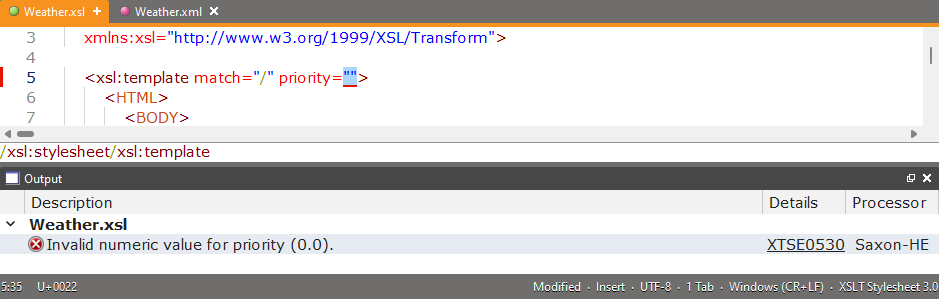
| Validate XML |
| Transform XML using XSLT |
 Welcome!Introducing XMLBlueprintWorking with filesWorking with textCreating and Editing XMLValidating XMLWorking with XSLTWorking with XPathWorking with XProcWorking with JSONWorking with HTML, CSS and JavaScriptWorking with XML CatalogsConverting CSV files and Excel filesGenerating Sample XMLGenerating DTDs and SchemasCustomizing XMLBlueprintAutomating XMLBlueprintRegular ExpressionsNon-English SupportAppendix