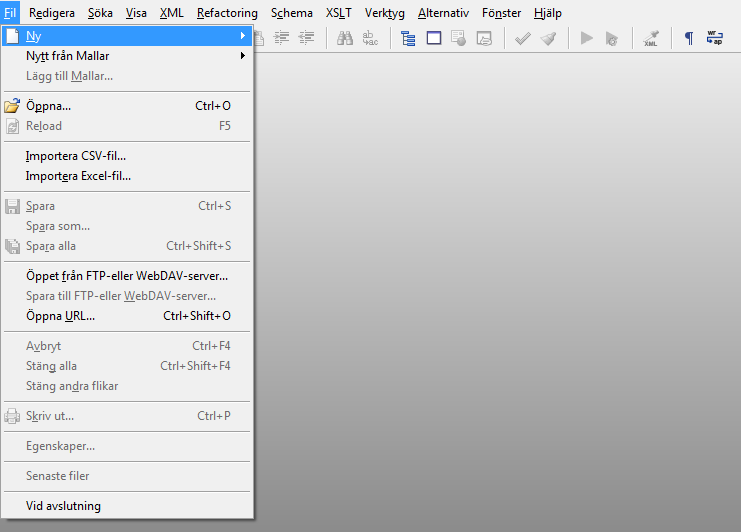
How to edit XML documents in Swedish (Svenska)
XMLBlueprint supports editing XML and XSLT in many different languages. Depending on your choice of language and the Windows version you're working on, you may have to install additional software and fonts.
To edit XML or XSLT in Swedish you have to do the following:
- Add a keyboard for Swedish.
- Install one or more Swedish fonts.
How to add a keyboard for Swedish in Windows 98 or Windows ME
To add a keyboard for Swedish in Windows 98 or Windows ME you have to do the following:
- Click Start, click Settings, click Control Panel, and then double-click Keyboard.
- On the Language tab, press the Add... button.
- In the Language list, select Swedish, and then press the OK button.
- If you want to be able to switch keyboard layouts by using the Windows taskbar, make sure the Enable indicator on taskbar check box is selected.
How to add a keyboard for Swedish in Windows NT or Windows 2000
To add a keyboard for Swedish in Windows NT or Windows 2000 you have to do the following:
- Click Start, click Settings, click Control Panel, and then double-click Keyboard.
- On the Input Locales tab, click press the Add... button.
- In the Input Locale list, select Swedish, and then press the OK button.
- If you want to be able to switch keyboard layouts by using the Windows taskbar, make sure the Enable indicator on taskbar check box is selected.
How to add a keyboard for Swedish in Windows XP
To add a keyboard for Swedish in Windows XP you have to do the following:
- Click Start, click Control Panel, double-click Date, Time, Language, and Regional Options, and then double-click Regional and Language Options.
- On the Languages tab, press the Details... button to open the Text Services and Input Languages dialog box, and then press the Add... button.
- Select Swedish. In the Keyboard layout/IME list select the keyboard you want to use when you type Swedish.
How to add a keyboard for Swedish in Windows Vista
To add a keyboard for Swedish in Windows Vista you have to do the following:
- Click Start, click Control Panel, double-click Clock, Language, and Region, and then double-click Regional and Language Options.
- On the Keyboard and Languages tab, press the Change keyboards... button to open the Text Services and Input Languages dialog box, and then press the Add... button.
- Open Swedish and select the keyboard you want to use when you type Swedish.
How to add a keyboard for Swedish in Windows 7
To add a keyboard for Swedish in Windows 7 you have to do the following:
- Click Start, click Control Panel and double-click Change keyboards or other input methods.
- On the Keyboard and Languages tab, press the Change keyboards... button to open the Text Services and Input Languages dialog box, and then press the Add... button.
- Open Swedish and select the keyboard you want to use when you type Swedish.
How to type in Swedish
Writing multilanguage XML documents is easy, just click on the indicator to change the language. If you want to know which key on your keyboard corresponds to which Swedish character, please visit Microsoft's Windows Keyboard Layouts, and choose your keyboard layout in the drop down list.